Set up SSO with your IdP
A step-by-step tutorial to configure OIDC single sign-on in Cushy against your identity provider, including discovery, the redirect URI, domains and JIT provisioning.
This tutorial configures OIDC single sign-on so your team signs in through your identity provider. You need to be an Org Admin, and your IdP must support OIDC discovery. The client secret you save is encrypted at rest and never returned.
- Register Cushy at your IdP
Create an OIDC application (web/confidential client). Set the redirect URI to
https://<your-console-host>/api/auth/oidc/callback. Note the issuer URL, client id and client secret. - Save the config in Cushy
In the console's SSO settings, or via `POST /api/org/sso`, enter the issuer, client id, client secret, a default role (for example Viewer), and the email domains that should use this IdP (for example
acme.io).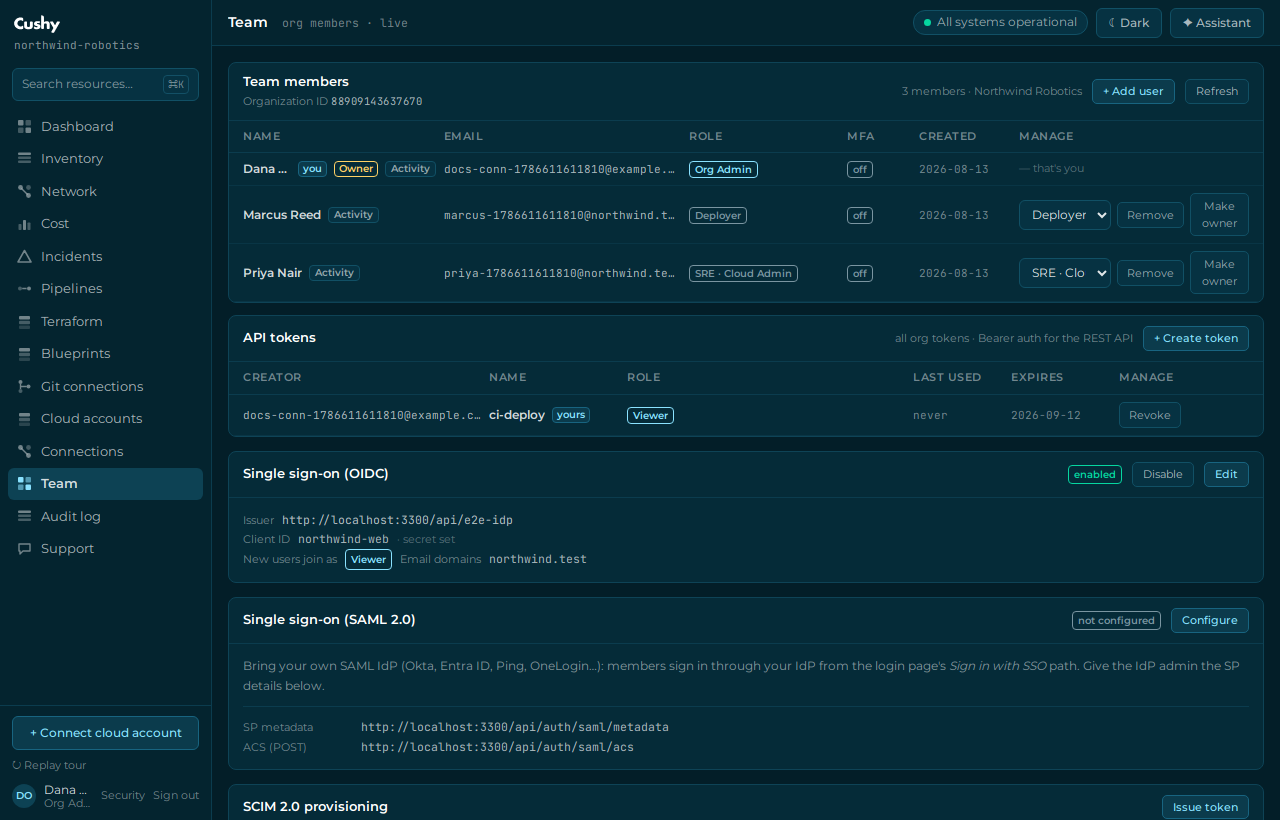
- Let discovery validate it
On save, Cushy runs OIDC discovery against your issuer and stores the resolved endpoints. A wrong issuer fails here with a clear message — fix it before anyone tries to sign in.
- Test the login flow
Sign out, go to
/login, and start SSO with a work email whose domain you configured. You are redirected to your IdP (with state, nonce and PKCE), authenticate, and are redirected back.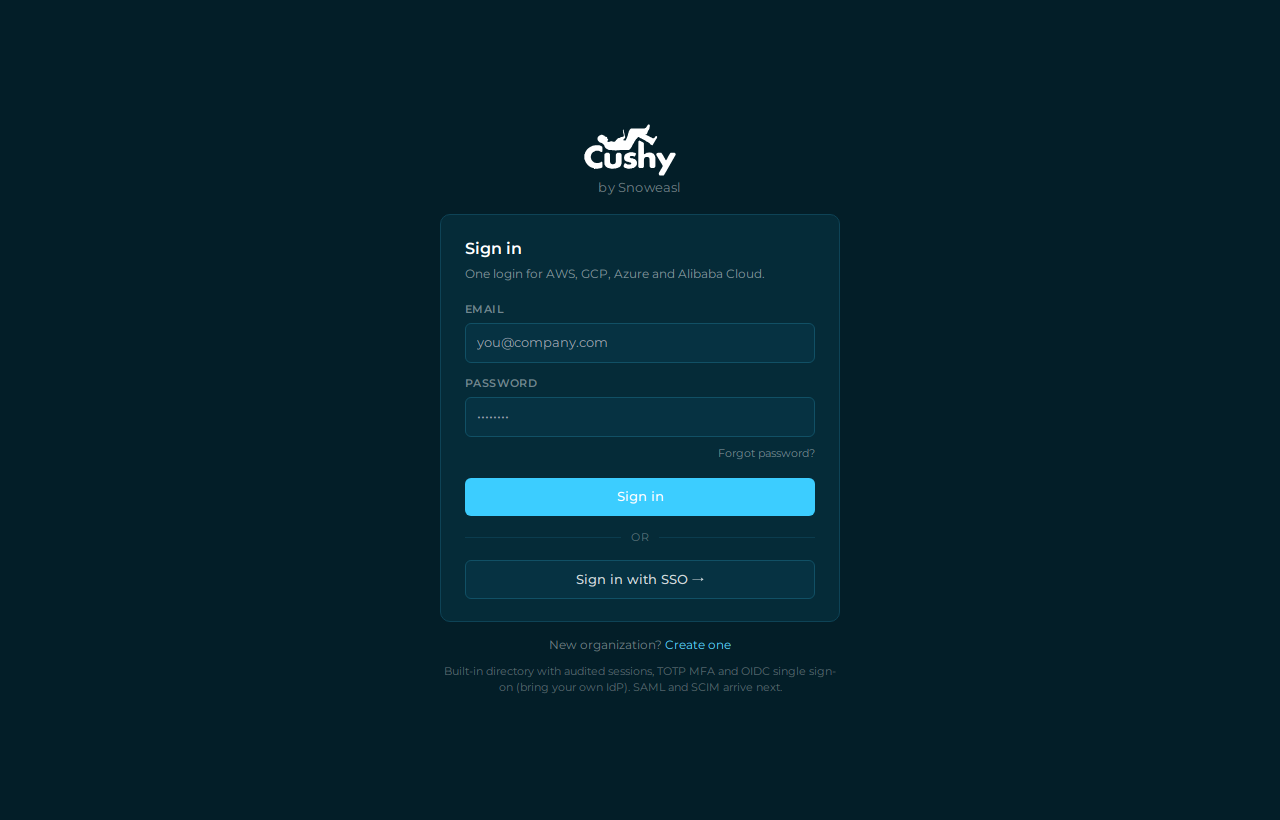
- Confirm JIT provisioning
A user who did not previously exist is provisioned automatically with the default role you chose. Check the Team page to see them appear.
- Enable or disable later
Toggle SSO with `PATCH /api/org/sso`. Rotate the secret by POSTing a new one; leave the secret field blank to keep the existing envelope while editing other fields.
Every JIT-provisioned user gets the organization's default role today. Mapping IdP groups to Cushy roles is on the roadmap; until then, adjust roles on the Team page after first login.